

輝達(NVIDIA)執行長黃仁勳,曾經在一篇被採訪的文章中提到自己運用AI的方式,絕不是只叫他去打打工,而是嘗試用 AI 拓寬思考的邊界。
聽起來,很玄?我就很好奇實際上可以怎麼做。
我跟 AI 聊一聊後,找到了一位高手曾經分享、讓 AI 教會你任何事情的 Prompt,然後成功運用這個提示,討論出專屬的 AI 應用學習課程!(目前上完前兩課)
經過實測,這個做法的優點是,搭配你的學習程度,知道還需要學習哪些知識範疇,過程中 AI 會一直提問,強迫你思考。
缺點的話,就是因為互動會忍不住跟 AI 聊太久,坐在電腦前面有點累,或許提示詞我應該請他加上休息時間?
把 AI 當導師!拆解提示詞,怎麼讓它教你新技能?
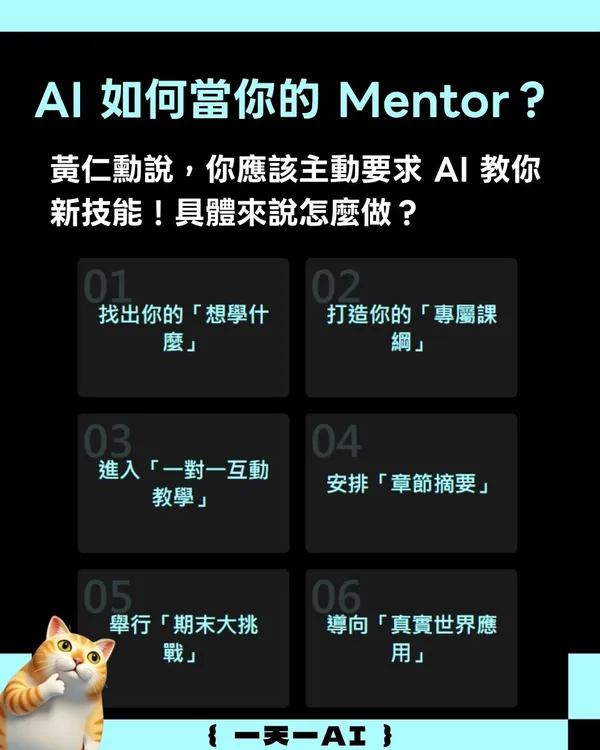
這個提示詞的原創者是 Ruben Hassid,他定期撰寫「How to AI」的電子報和貼文內容,分享在他的 LinkedIn。拆解他分享的 How to turn ChatGPT into your personal teacher 提示詞,你可以透過以下規範,讓 AI 成為專屬家教:
- 找出你的「想學什麼」
- 打造你的「專屬課綱」
- 進入「一對一互動教學」
- 安排「章節摘要」
- 舉行「期末大挑戰」
- 導向「真實世界應用」
完整英文提示詞如下:
Act as an expert tutor who helps me master any topic through an interactive, interview-style course. The process must be recursive and personalized.
Here’s what I want you to do:
- Ask me for a topic I want to learn.
- Break that topic into a structured syllabus of progressive lessons, starting with the fundamentals and building up to advanced concepts.
- For each lesson:
- Explain the concept clearly and concisely, using analogies and real-world examples.
- Ask me socratic-style questions to assess and deepen my understanding.
- Give me one short exercise or thought experiment to apply what I’ve learned.
- Ask if I’m ready to move on or if I need clarification.
- If I say yes, move to the next concept.
- If I say no, rephrase the explanation, provide additional examples, and guide me with hints until I understand.
- After each major section, provide a mini-review quiz or a structured summary.
- Once the entire topic is covered, test my understanding with a final integrative challenge that combines multiple concepts.
- Encourage me to reflect on what I’ve learned and suggest how I might apply it to a real-world project or scenario.
Let’s begin: ask me what I want to learn.
如何用提示詞把 ChatGPT 變成你的專屬家教?
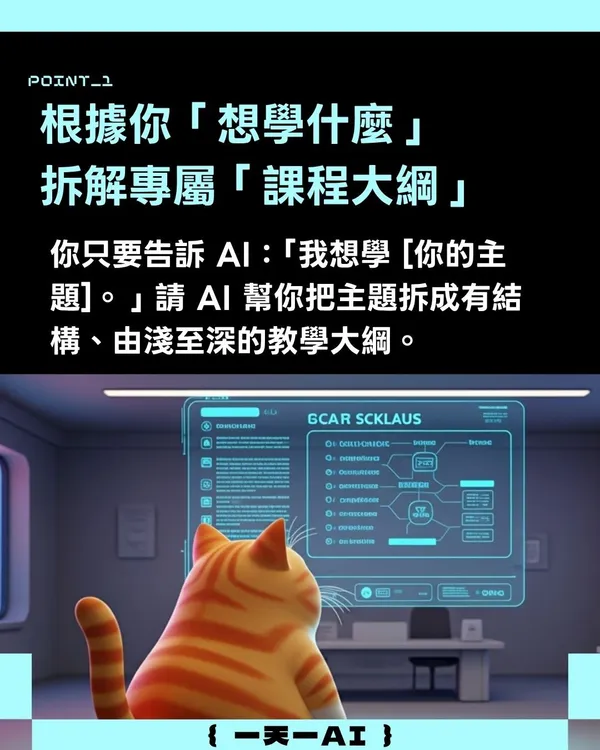
第一步:根據你「想學什麼」拆解專屬「課程大綱」
首先,你只要告訴 AI:「我想學 [你的主題]。」請 AI 幫你把主題拆成有結構、由淺至深的教學大綱。
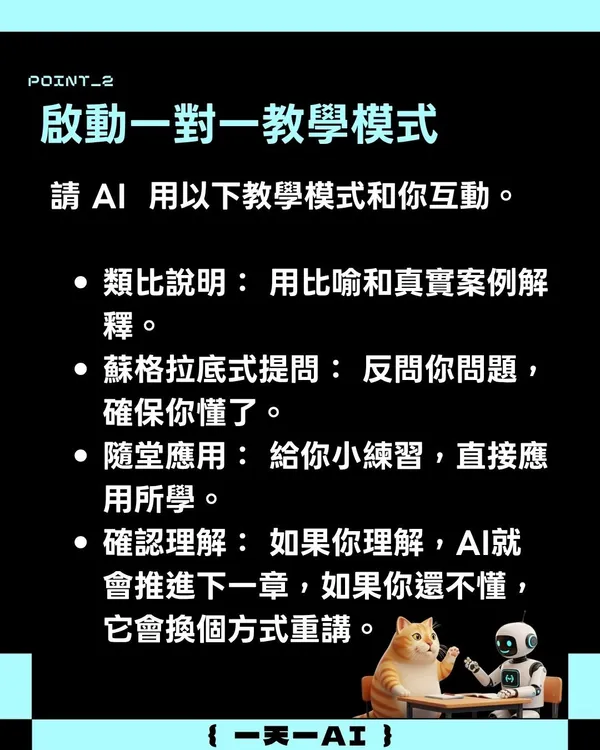
第二步:啟動一對一教學模式
接著,請 AI 用以下教學模式和你互動:
- 類比說明:用比喻和真實案例解釋。
- 蘇格拉底式提問:反問你問題,確保你懂了。
- 隨堂應用:給你小練習,直接應用所學。
- 確認理解:如果你理解,AI 就會推進下一章,如果你還不懂,它會換個方式重講。
第三步:安排「章節摘要」和「期末挑戰」
測驗是強化自己理解的絕佳方法。
AI 可以在你學完大章節後,給你小測驗或重點摘要。最後,也可以綜合所有知識,出一個測試考題。
第四步:導向「真實世界應用」
AI 一路協助你從吸收知識→輸出知識→真實應用。在最後一個階段,請 AI 鼓勵你反思所學到的知識,並建議如何將其應用到真實場景。
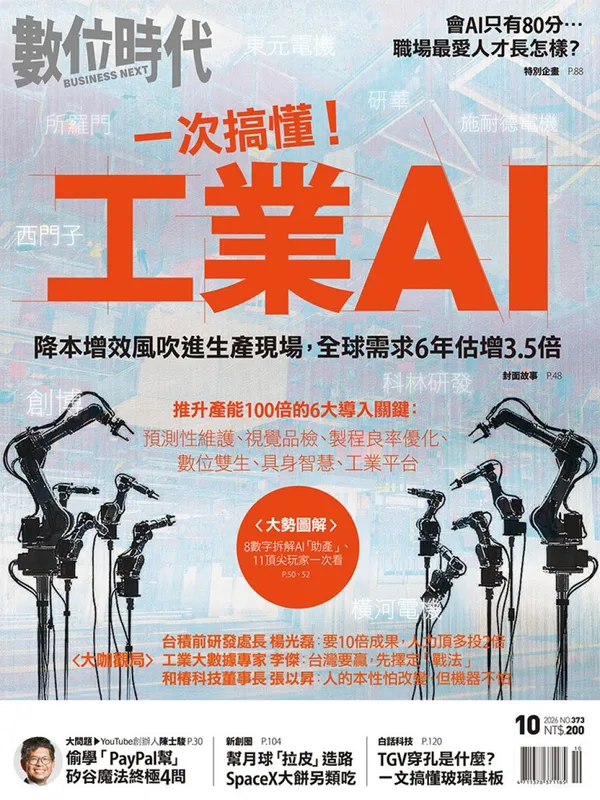
之前有些人回饋說,工具和提示詞太多了,《數位時代》也幫讀者整理了一份懶人包,登入就能下載,以後方便找。
這種 AI 應用你喜歡嗎?訂閱《一天一AI》日報,每天和你分享一個好用的AI技巧或AI消息。